Contact

What are you interested in?

Redesign & Reference Management2026Live

Client: Kigips GmbH

Kigips.

Redesign for a plastering and facade company from Gossau SG, in business since 2004. It includes a custom reference manager with login: the company adds projects with text, categories and photos itself, and they appear on the website immediately with a category filter and lightbox.

  • Website
  • Software
Scope
Website · Software
Year
2026
Services & technology
  • Redesign
  • Reference Management
  • Admin Login
  • PostgreSQL
  • React
  • Responsive Design

Case study

What Kigips GmbH needed and what we built

The challenge

Since 2004 Kigips has carried out plastering, drywall, stucco and facade work in Eastern Switzerland, Zurich and Thurgau. In the trades, finished projects sell best: clients and architects want to see what a company can do. Having an agency add every new reference costs time and money, so many companies' reference pages stay unchanged for years.
Our solution

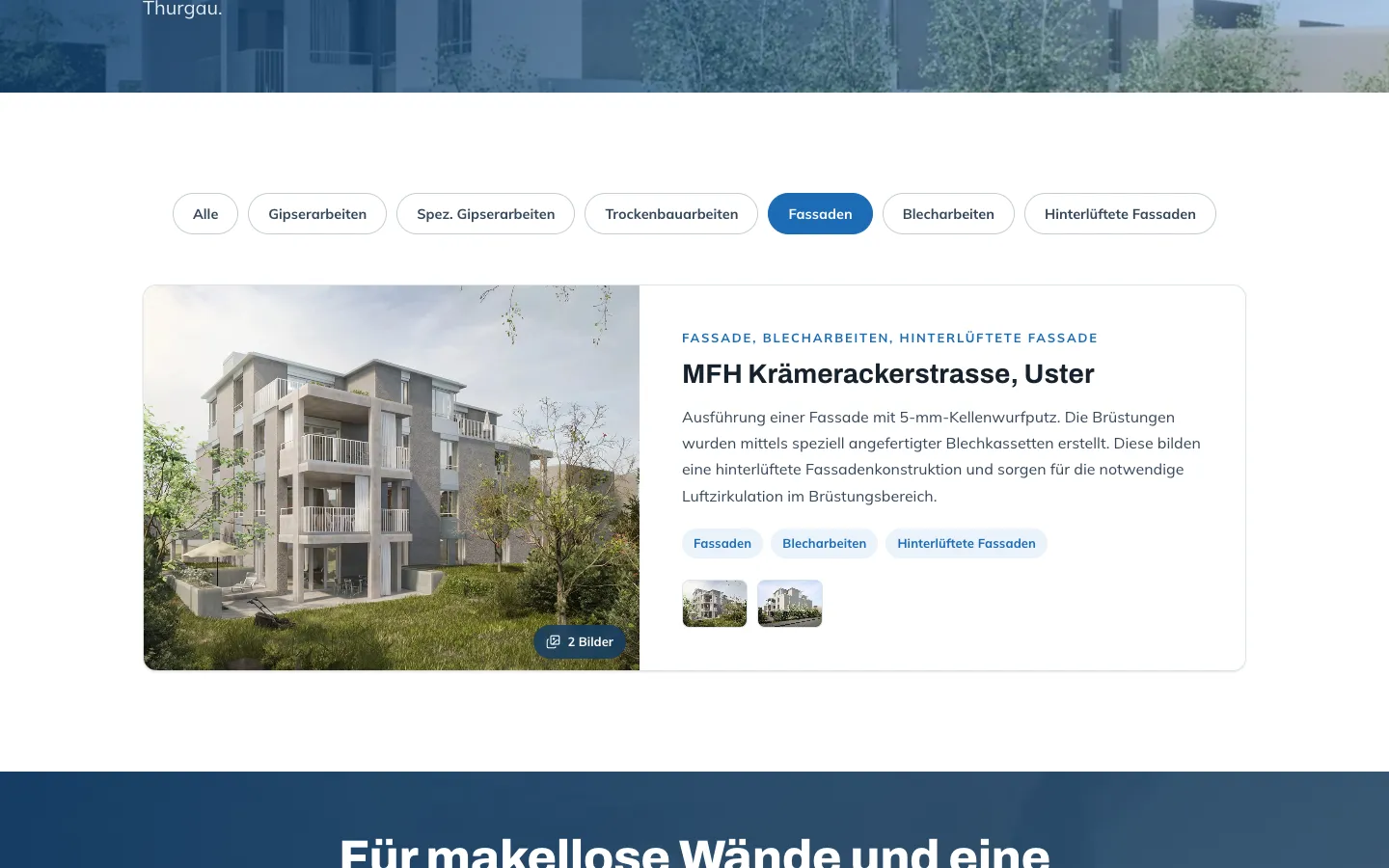
We redesigned the site to be bright and modern, with a photo hero, fullscreen menu and a clear structure of services: plastering, special plasterwork such as stucco and Stucco Veneziano, facades and renovations. Through the login in the footer the company reaches its reference manager. There it creates a project with title, location, text and categories it taps as chips, uploads photos that are automatically resized in the browser, and sets the cover image with an arrow. After saving, the reference is live on the website immediately, with a category filter and fullscreen lightbox. References and images are stored in a database so nothing is lost during an update.

Architecture

How it fits together

The building blocks behind Kigips GmbH and how data flows between them.

UserFrontendAdminServer / APIDatabase
Connections: Kigips (login) → Reference manager (Project, categories, photos); Reference manager → Express server (Save (with token)); Express server → PostgreSQL (references + images); PostgreSQL (references + images) → Website kigips.ch (Reference list + images); Client, architect → Website kigips.ch (Filter + lightbox)

Site structure

How the website is structured

kigips.ch7 sections
  • Homepage
  • 1Services
  • 1Renovations
  • 1References
  • 1Company
  • 1Quote
  • 1Contact
Simplified view of the site structure. Page counts from a live check (sitemap) on 12 October 2026.

Flow

Who does what, step by step

  • Customer
  • Business
  • System
  1. Business

    Sign in

    Kigips clicks "Login" in the footer and signs in with a password.

  2. Business

    Add the project

    Title, location and two or three sentences on the work, then tap the categories.

  3. Business

    Upload photos

    Upload photos straight from phone or computer; they are resized automatically and can be reordered.

  4. System

    Published immediately

    After saving, the reference appears on the website, sorted into its categories.

  5. Customer

    Browse projects

    Clients filter by category, such as facades, and open the photos in the lightbox.

Step by step

How it works in practice

Real screenshots along the flow.

How a prospect finds Kigips

From the homepage via services and references to contact, captured on the live site. The quote form is not shown because sending does not currently work on the live site.

  1. 01Step 1 / 6
    Kigips – Step 1: Homepage

    Homepage

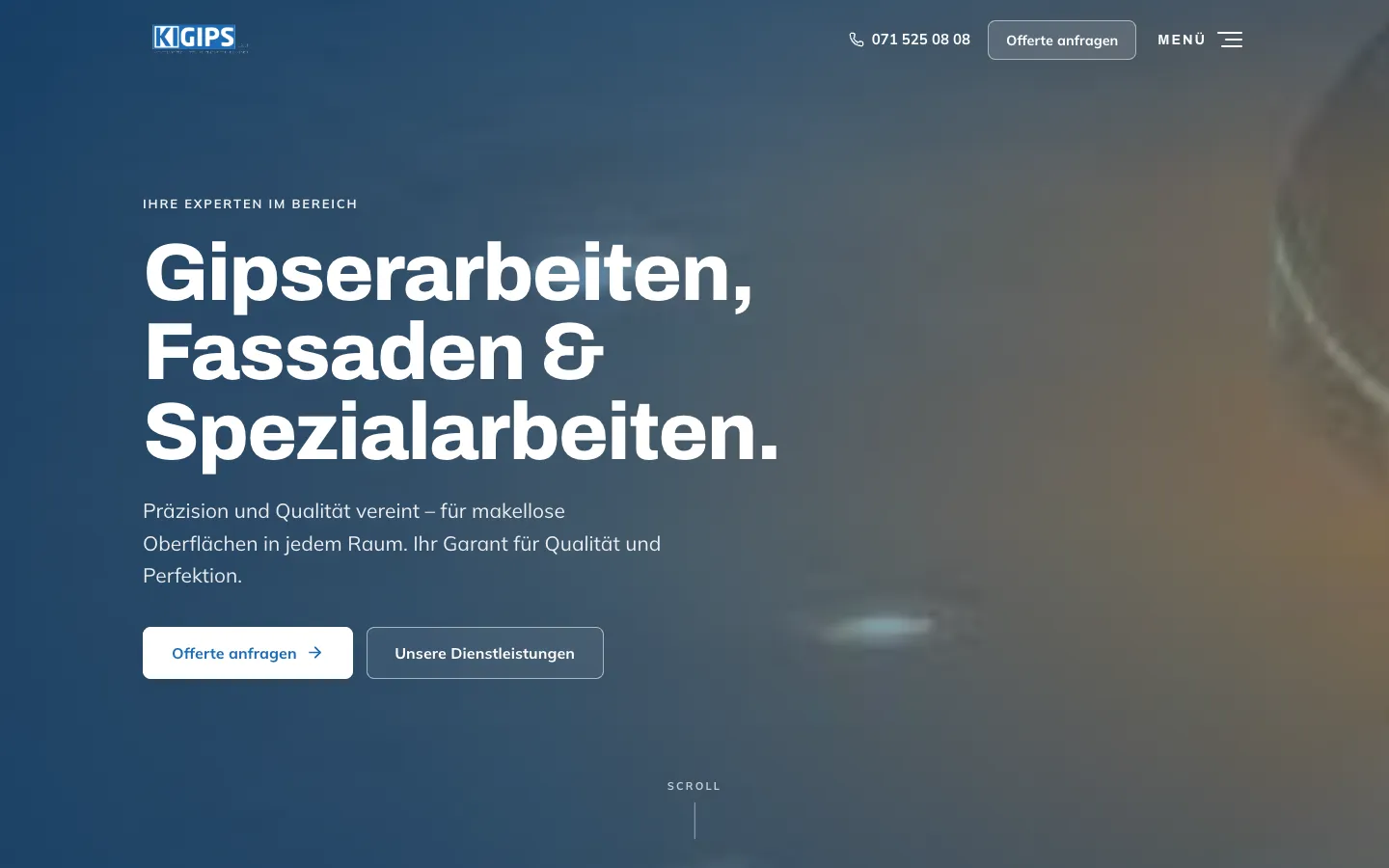
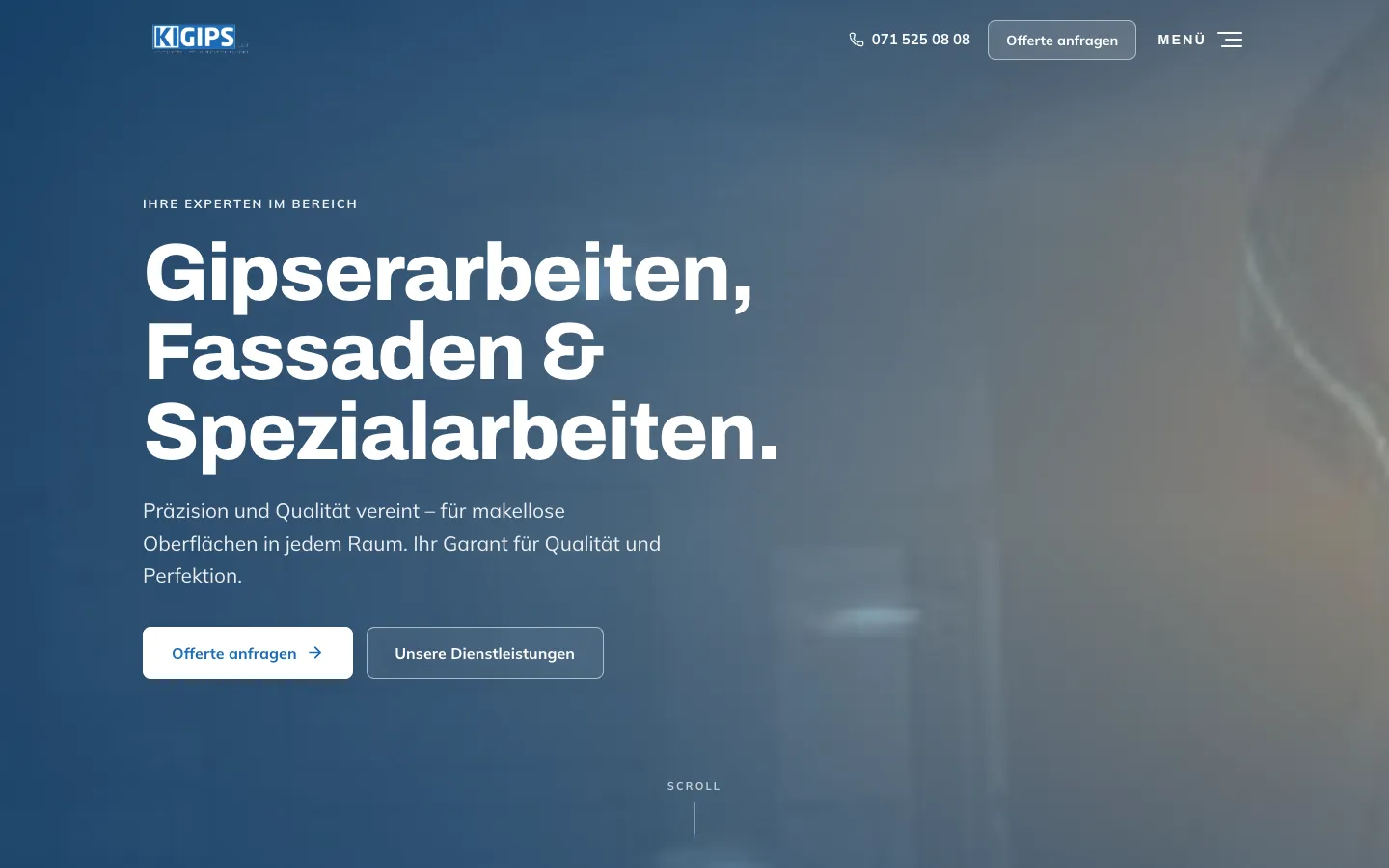
    Photo hero with the three core services, "Request a quote" and phone number at the top right.

  2. 02Step 2 / 6
    Kigips – Step 2: Services on a phone

    Services on a phone

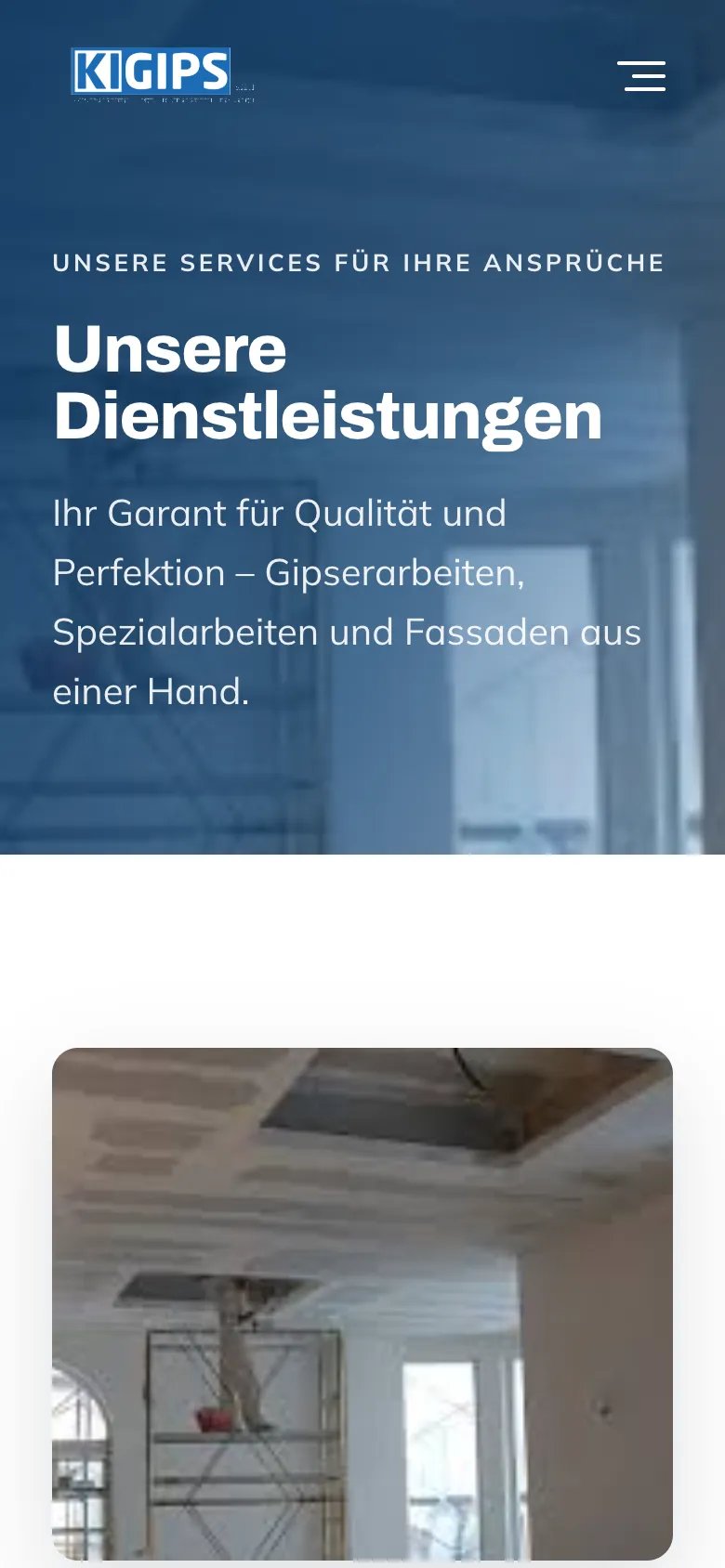
    Plastering, special work and facades from one company, each with an image and a short description.

  3. 03Step 3 / 6
    Kigips – Step 3: References with category chips

    References with category chips

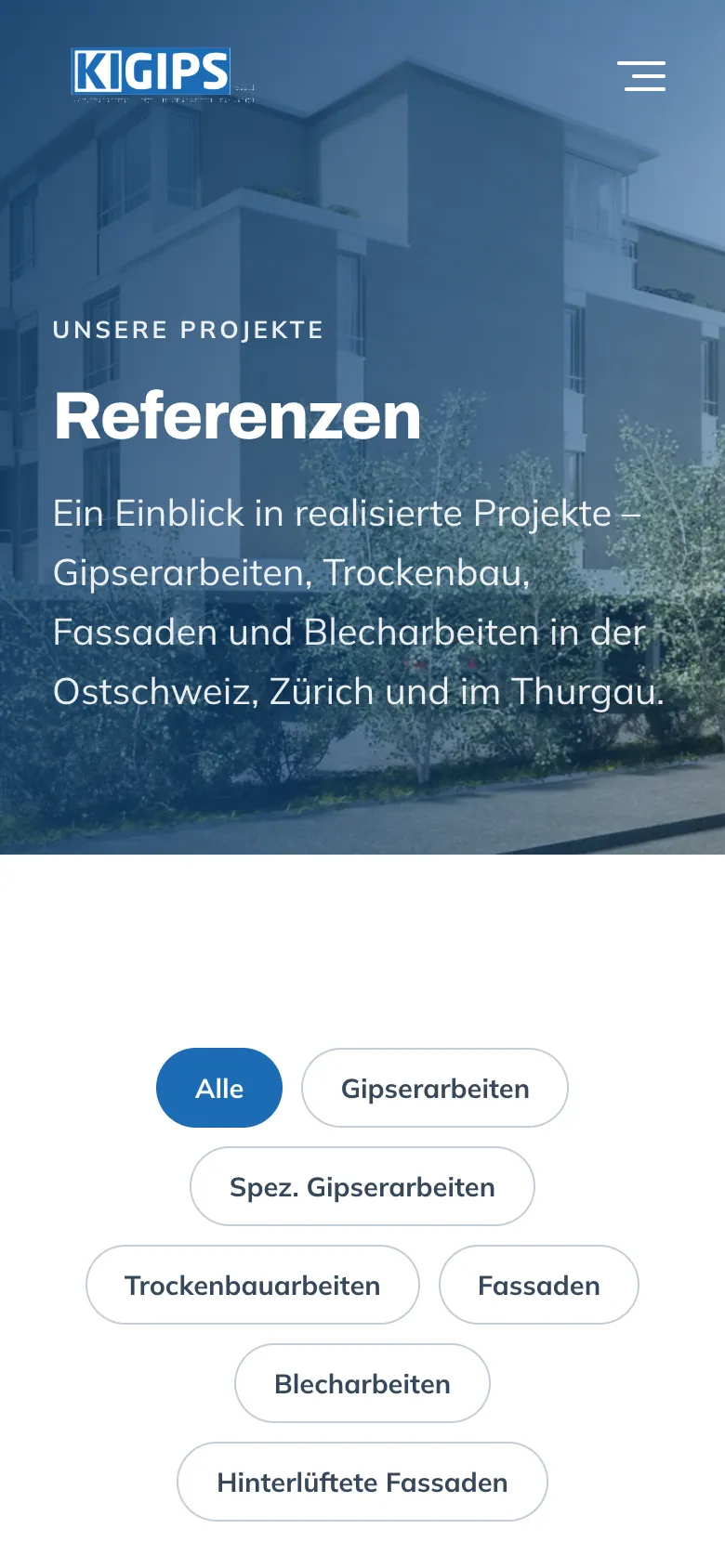
    One click on "Facades" filters the projects. Kigips maintains the references itself through its own admin area.

  4. 04Step 4 / 6
    Kigips – Step 4: Project images in the lightbox

    Project images in the lightbox

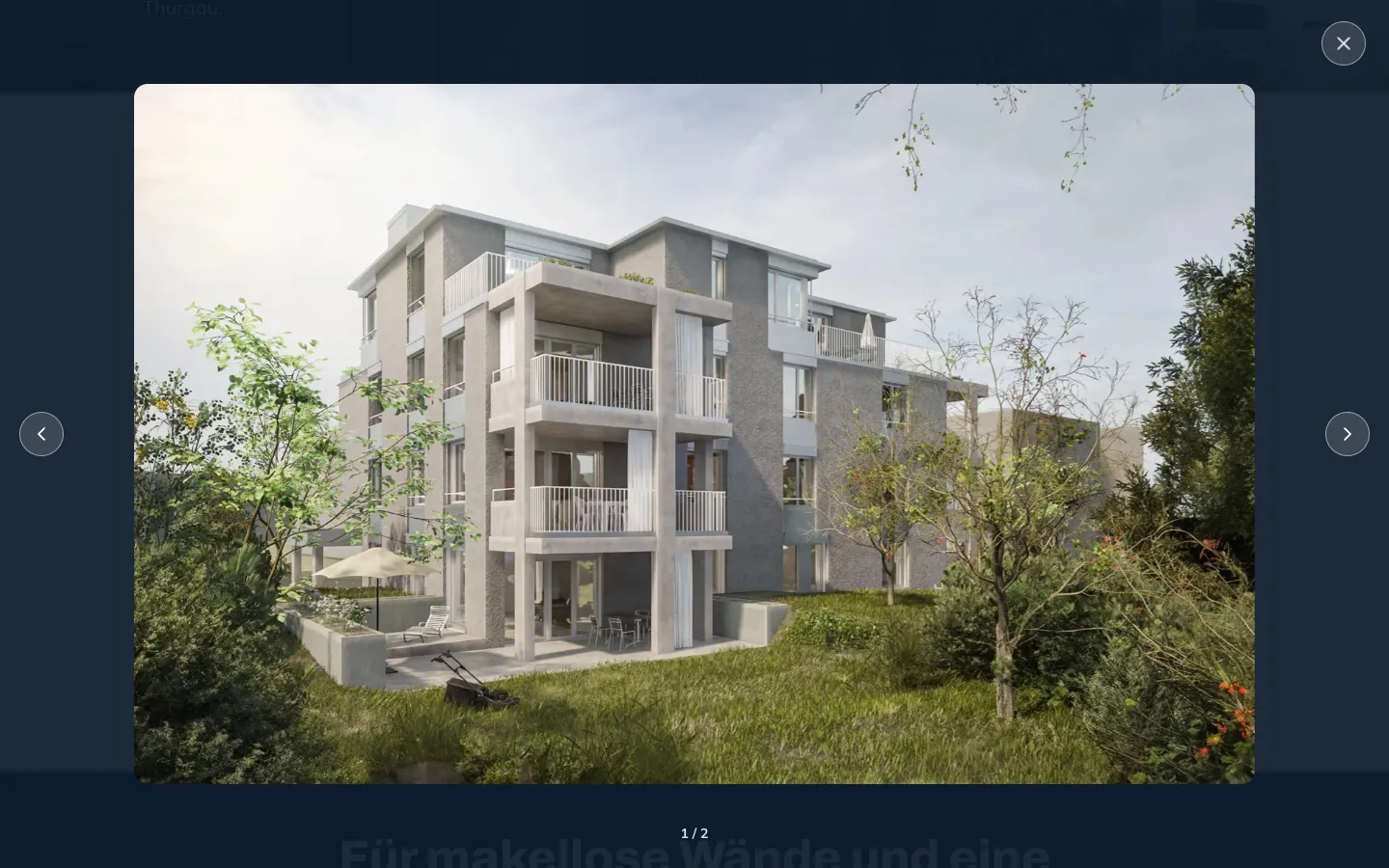
    Images open large with paging and a counter, without leaving the page.

  5. 05Step 5 / 6
    Kigips – Step 5: References on a phone

    References on a phone

    On a phone the category chips wrap into rows and stay tappable.

  6. 06Step 6 / 6
    Kigips – Step 6: Contact

    Contact

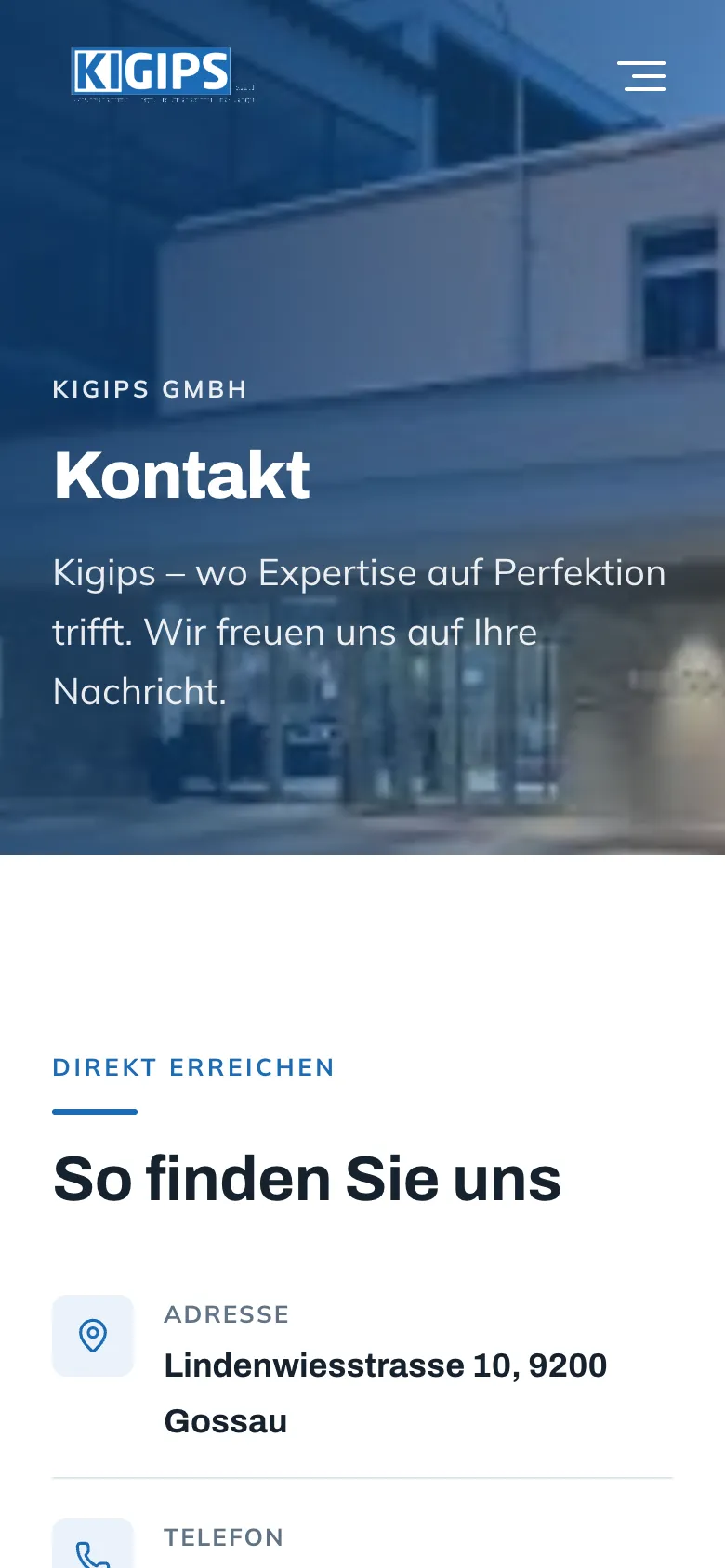
    Address, phone and directions, so a client can call without detours.

Swipe sideways for the next step.

Features

What the solution does

  • Reference manager

    Create, edit and delete references: title, subtitle, text, categories and images. Live on the website immediately after saving.

  • Photos without preparation

    Images are resized in the browser to at most 1600 pixels and can be reordered and removed. The first image is the cover.

  • Categories as chips

    Plastering, special plasterwork, drywall, facades, sheet metal and ventilated facades are tapped instead of picked from a list.

  • Reference page with filter and lightbox

    Visitors filter by category and browse project photos in a fullscreen lightbox.

  • Protected access

    Password login, sessions valid for 12 hours, limited sign-in attempts.

  • Images in the database

    References and images are stored in PostgreSQL. A new deployment never deletes uploaded photos.

  • Redesign with fullscreen menu

    Photo hero, a header that turns white on scroll and a fullscreen menu with a side submenu for services.

Mobile

On the smartphone

  • Kigips – Homepage on mobile
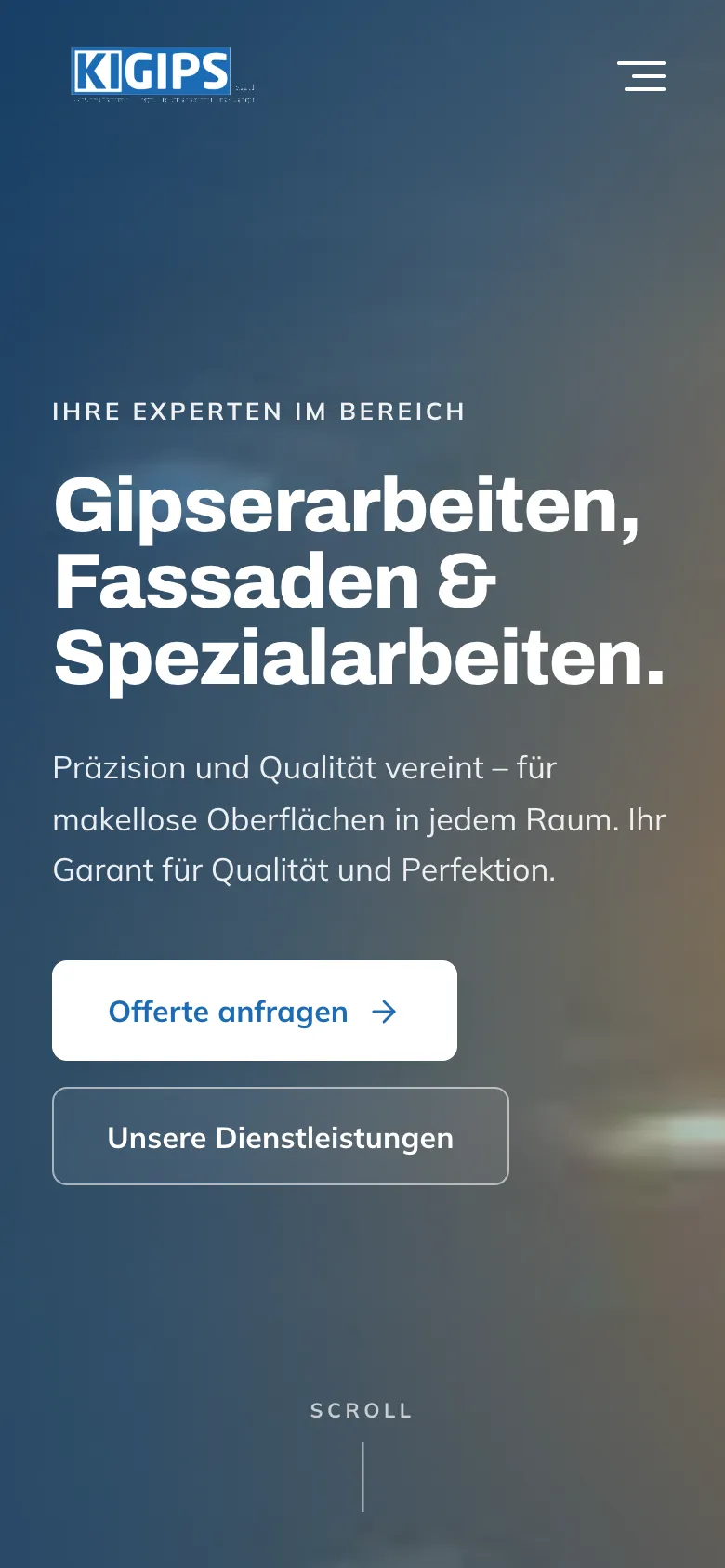
    Homepage on mobile
  • Kigips – References with chips on a phone
    References with chips on a phone
  • Kigips – Services on a phone
    Services on a phone

Swipe sideways for more views.

Screens

What it looks like

  • Homepage with photo hero
  • Reference page with category chips

FAQ

Frequently asked questions

Why a custom reference manager for trade businesses?

Because the company knows best when a project is finished and photographed. With its own manager it uploads images, writes a few sentences, chooses the category and publishes. The reference page stays current without hiring an agency each time.

What can the Kigips reference manager do?

Create, edit and delete projects with title, location, description, categories and images. Images are resized automatically and can be reordered. On the website the projects appear immediately with a category filter and lightbox. Access is protected by a login.

Are uploaded images lost during an update?

No. References and images are stored in a PostgreSQL database rather than on the server's file system. A new deployment of the website leaves them untouched.

Solutions

Solutions from this project

Work

Similar projects

Your project

A project like this for your business?

Websites from CHF 3,000 to CHF 25,000, web apps from CHF 10,000. We deliver a website within 2 weeks once all materials are in.