Web Design & SEO2024Live

Client: LEO Gastro AG

Leo Ristorante Zurich.

Website for the LEO restaurant and rooftop bar on the fifth floor of the Globus building on Schweizergasse in Zurich: one-click booking, enquiries for corporate and private events, catering, food, wine, bar and dessert menus, and WhatsApp contact.

  • Website
  • SEO
Scope
Website · SEO
Year
2024
Services & technology
  • WordPress
  • Elementor
  • SEO
  • Booking (foratable)
  • Event enquiry

Case study

What LEO Gastro AG needed and what we built

The challenge

LEO sits on the fifth floor of the Globus building in Zurich, so guests do not stumble upon it from the street. The website has to do the job of a shop window: show the location and atmosphere, make the menu accessible and keep the path to a table short. There is also a second business next to à la carte dining: corporate and private events and catering, where the restaurant needs to know headcount, budget and format before it can make an offer.
Our solution

The WordPress site built with Elementor introduces the location and mood with large images and video. The «Book now» button sits in the header, the content and the footer and opens the booking with the existing provider foratable, so the restaurant keeps its familiar tool. Events have their own form asking for type of event, budget, date, guests, time frame and options such as apéro, flying dinner or seated dinner. Catering has its own page with an enquiry form, the menus are available as PDFs, and WhatsApp, phone and Google Maps can be reached from every page.

Architecture

How it fits together

The building blocks behind LEO Gastro AG and how data flows between them.

UserFrontendAdminServer / APIExternal service
Connections: Guest → Website (WordPress) (Menu, location, images); Video (Vimeo) → Website (WordPress) (Video); Website (WordPress) → Booking (foratable) (Book now); Booking (foratable) → Restaurant team (Booking); Website (WordPress) → Event & catering form (Event, catering); Event & catering form → Restaurant team (Enquiry); Guest → WhatsApp (Chat); WhatsApp → Restaurant team

Site structure

How the website is structured

ristorante-leo.ch8 sections · 10 subpages
  • Homepage
  • 4Menu
    • Food menu
    • Dessert
    • Drinks
    • Wine
  • Company
  • Gallery
  • Catering
  • Request an event
  • 4Further pages
    • Media
    • Tuscany Wine & Dine
    • Events
    • Contact
  • 2Legal
    • Legal notice
    • Privacy
Simplified view of the site structure. Page counts from a live check (sitemap) on 12 October 2026.

Flow

Who does what, step by step

  • Customer
  • Business
  1. Customer

    Discover

    The guest finds LEO via Google or Instagram and sees the location in the Globus building, opening hours and images.

  2. Customer

    View the menu

    Opens the food, wine or bar menu as a PDF.

  3. Customer

    Book

    Clicks «Book now» and books at foratable, or writes via WhatsApp.

  4. Customer

    Request an event

    For corporate or private events, the guest fills in the event form with headcount, budget and format.

  5. Business

    Handle

    The restaurant receives bookings in foratable and enquiries via the website forms, and maintains menus and content in WordPress.

Step by step

How it works in practice

Real screenshots along the flow.

From visit to event enquiry

Homepage, menus and event enquiry up to just before sending. Bookings run through foratable (external), so the walkthrough shows the button rather than the booking tool. Form with sample data, not sent.

Views with customer data show sample data or are redacted.

  1. 01Step 1 / 4
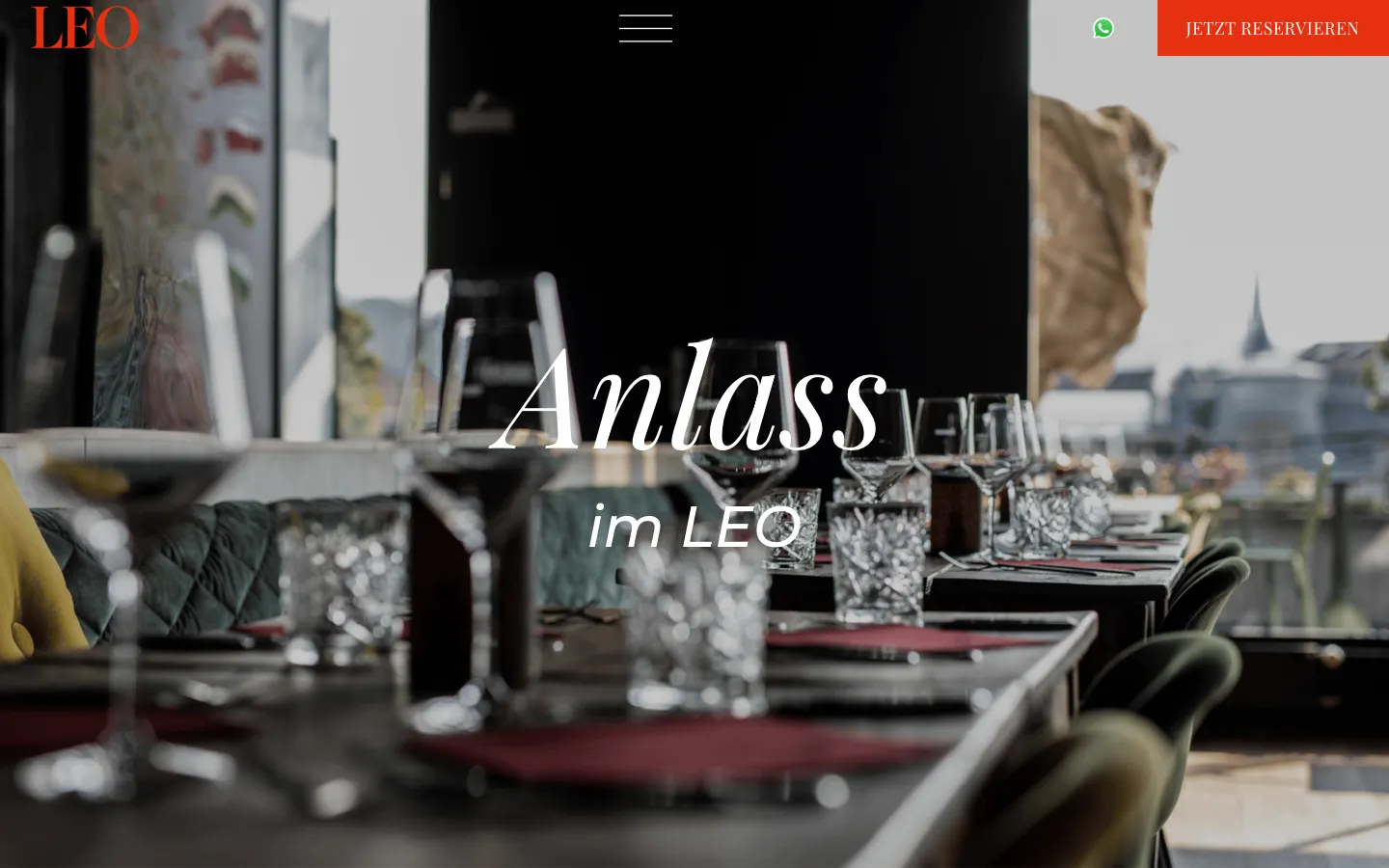
    Leo Ristorante Zurich – Step 1: Homepage

    Homepage

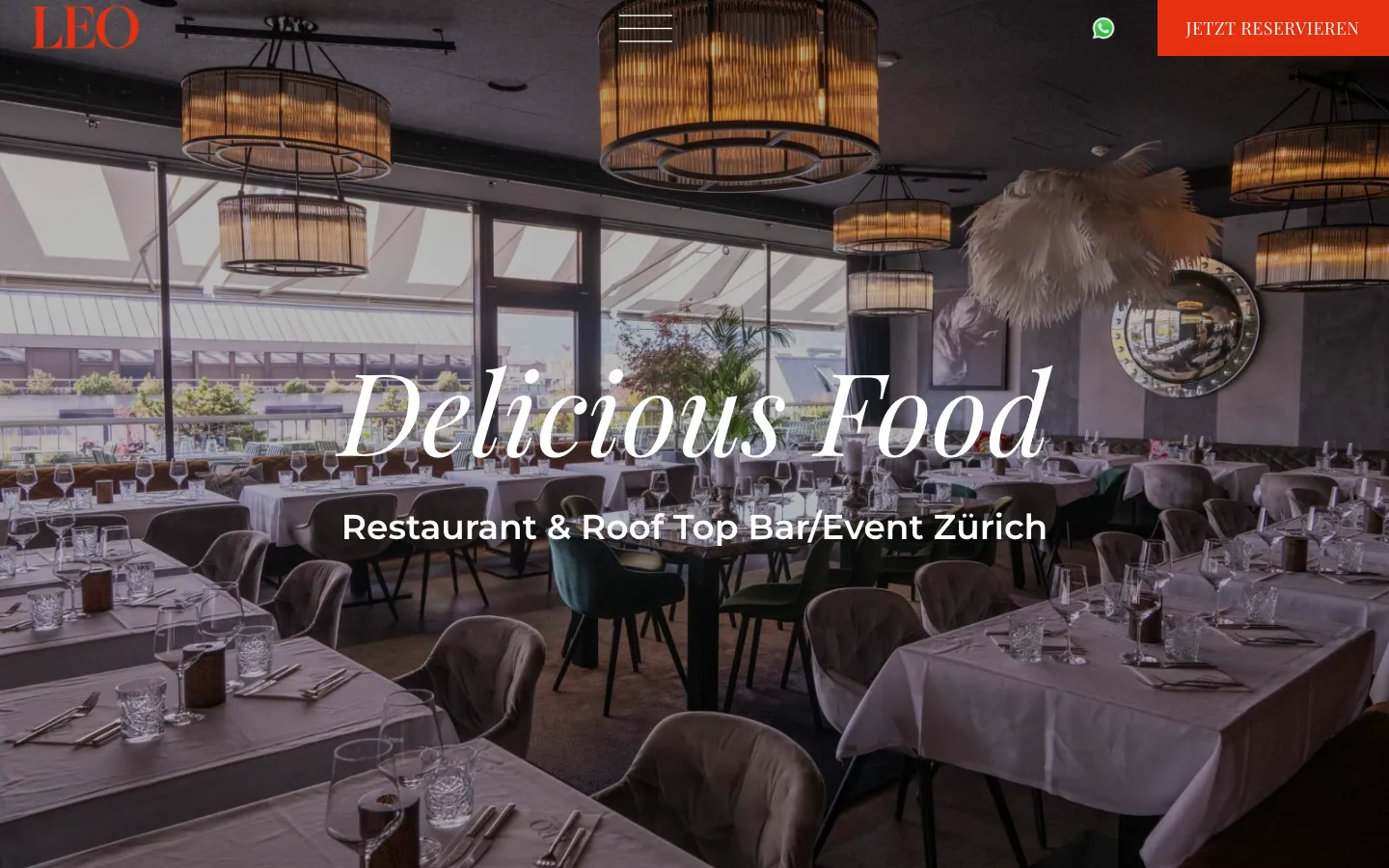
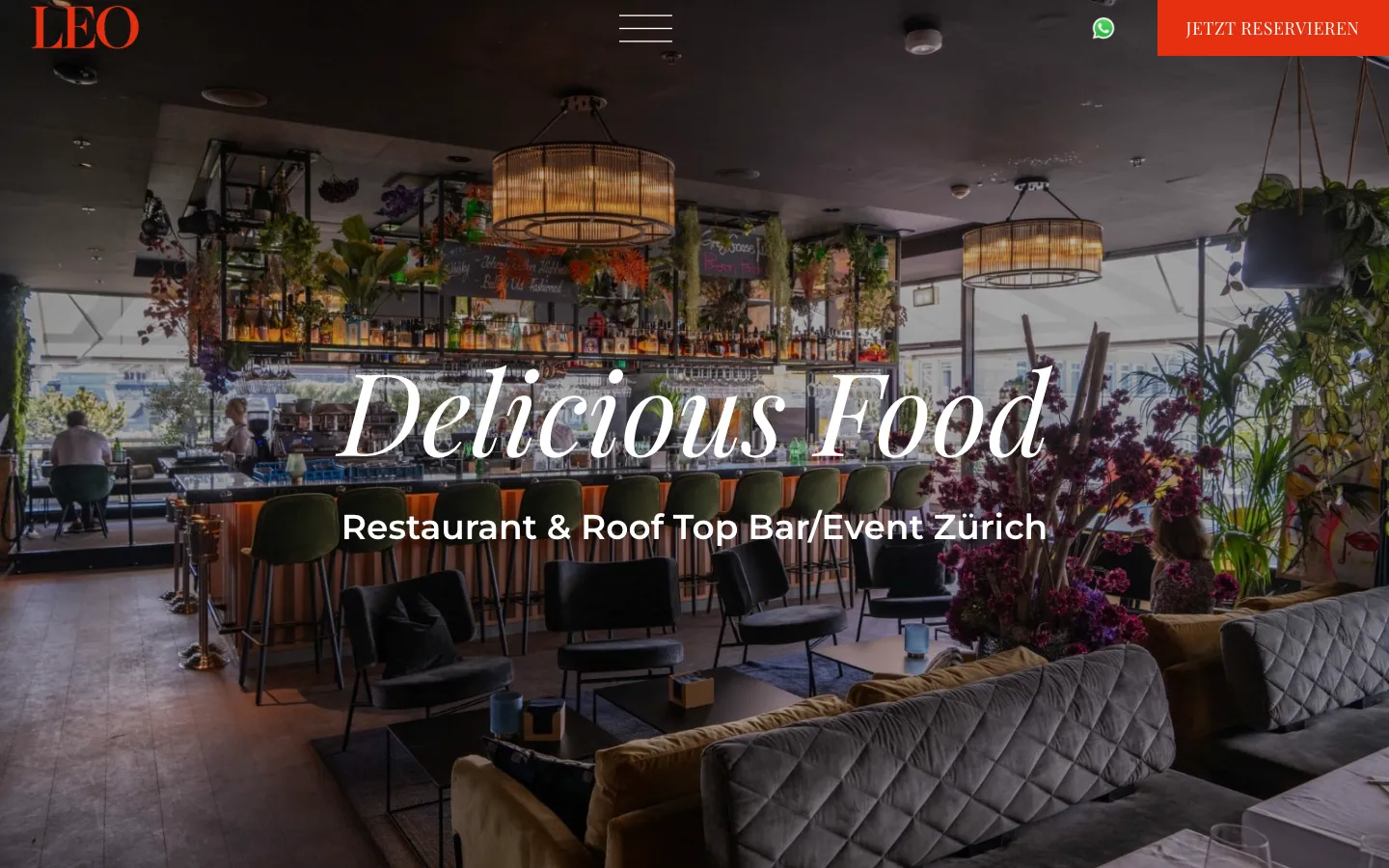
    Image, name and location at the start. «Book now» and WhatsApp sit in the top right corner on every page.

  2. 02Step 2 / 4
    Leo Ristorante Zurich – Step 2: Menus

    Menus

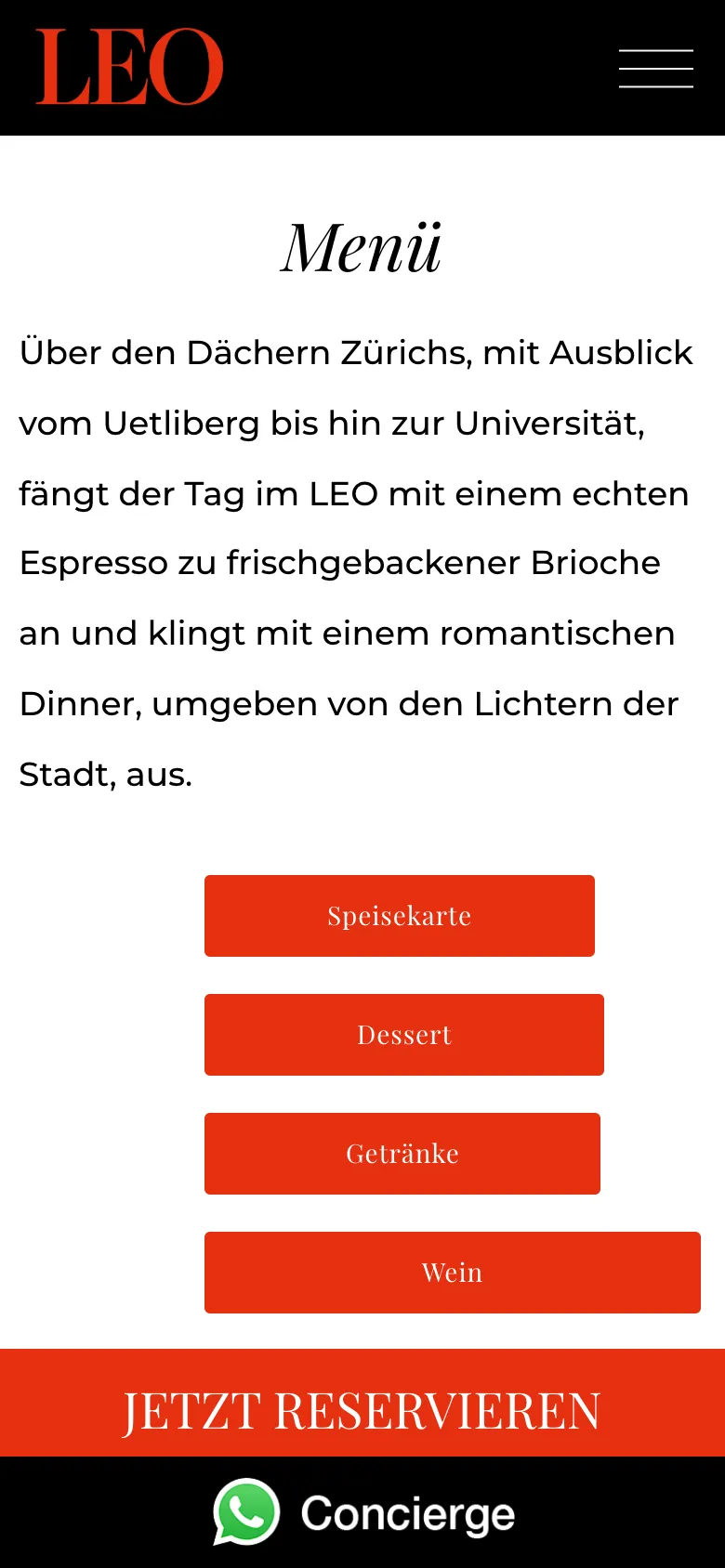
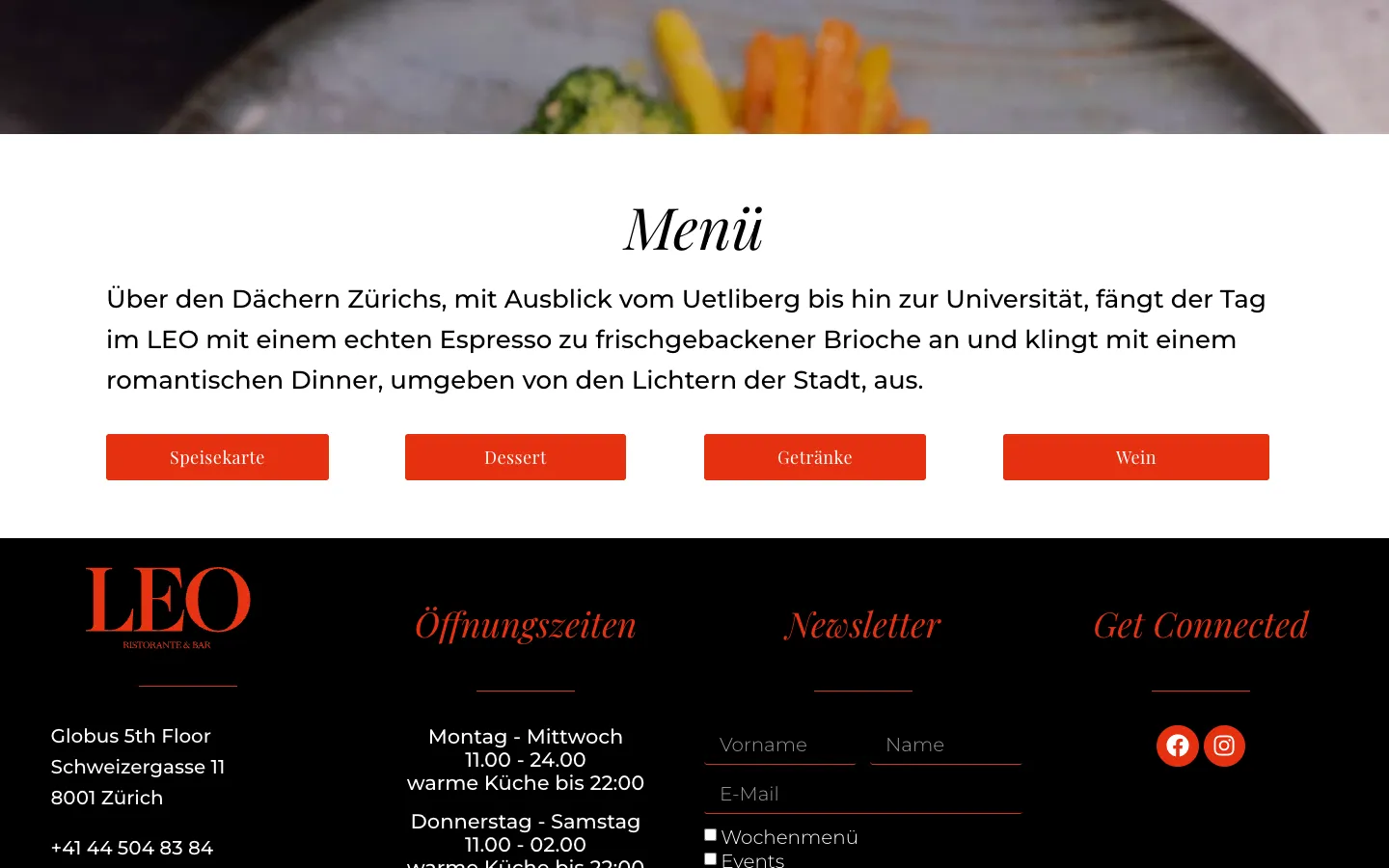
    Food, dessert, drinks and wine menus as PDFs, one button each. The restaurant swaps a menu in WordPress without rebuilding the page.

  3. 03Step 3 / 4
    Leo Ristorante Zurich – Step 3: Events at LEO

    Events at LEO

    A dedicated page for corporate and private events, reached via «Request an event» in the menu.

  4. 04Step 4 / 4Sample data
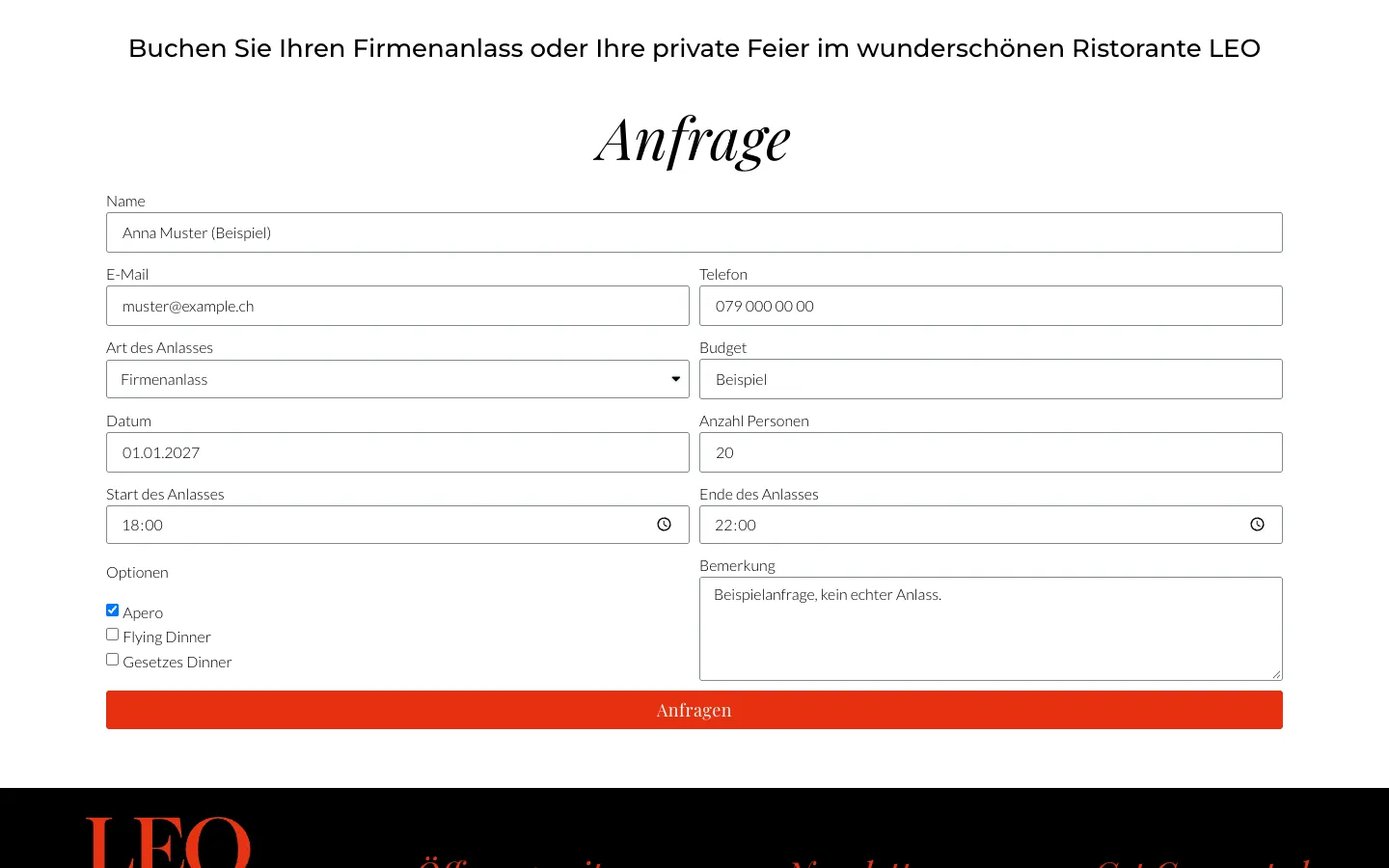
    Leo Ristorante Zurich – Step 4: Enquiry, before sending

    Enquiry, before sending

    Type of event, budget, date, guests, time frame and options such as apéro or flying dinner. The restaurant has everything it needs for an offer without having to ask.

Swipe sideways for the next step.

Features

What the solution does

  • One-click booking

    «Book now» sits in the header, content and footer of every page and leads straight to the booking at foratable. The restaurant keeps working with its existing booking tool.

  • Corporate and private event enquiry

    A form with type of event, budget, date, number of guests, start and end, and options such as apéro, flying dinner or seated dinner. The restaurant has everything it needs for an offer at a glance.

  • Catering with its own enquiry

    A dedicated page for the catering offer with an enquiry form, separate from bookings and events.

  • Menus as PDF

    Food, dessert, wine and bar menus are available to open and download on the menu page, and each can be replaced individually.

  • Imagery, gallery and video

    Large images of the terrace, dining room and dishes, a gallery and an embedded video on the homepage convey the atmosphere before the visit.

  • Contact via WhatsApp, phone and map

    WhatsApp link, phone number, email and Google Maps link are reachable from every page, along with opening hours and the location in the Globus building.

  • Newsletter sign-up

    In the footer, guests sign up for the weekly menu or events.

Mobile

On the smartphone

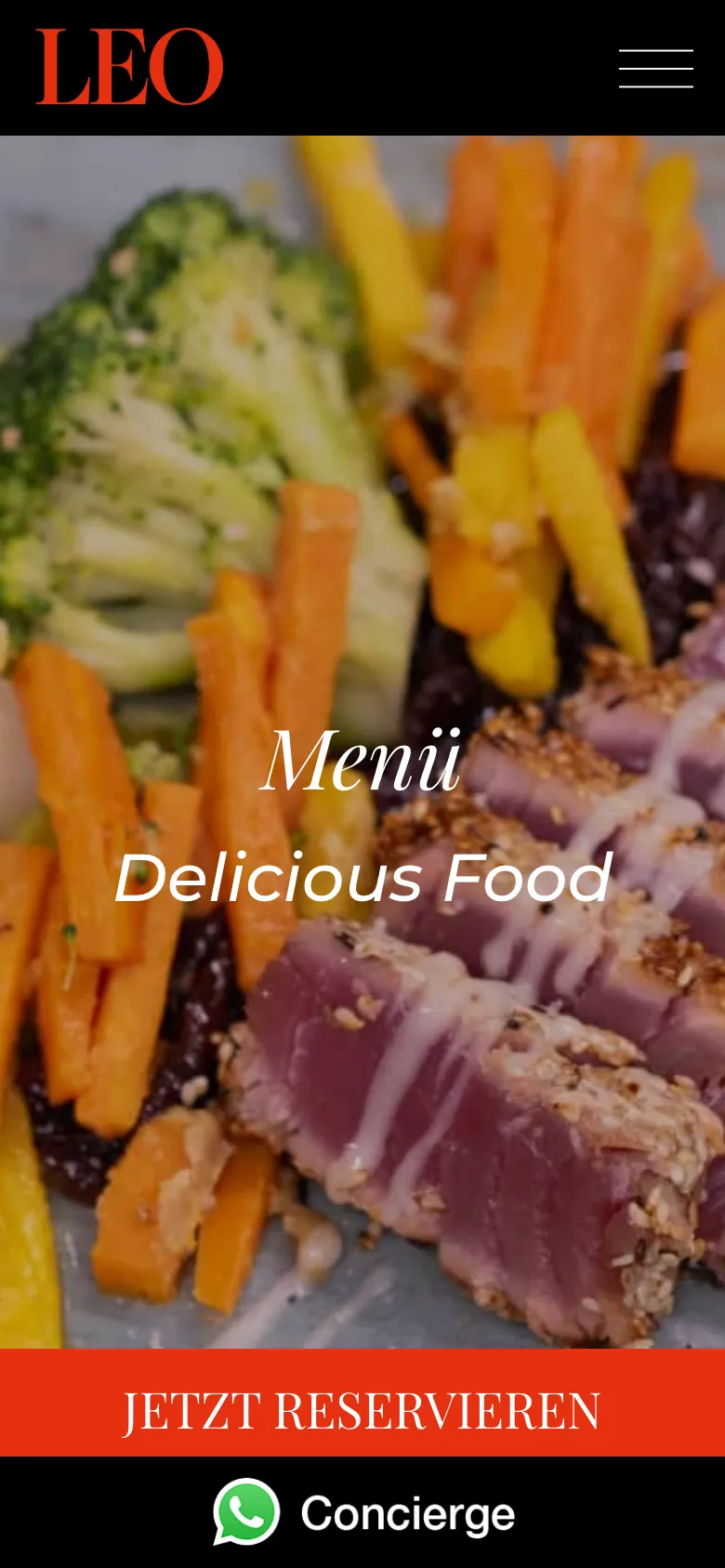
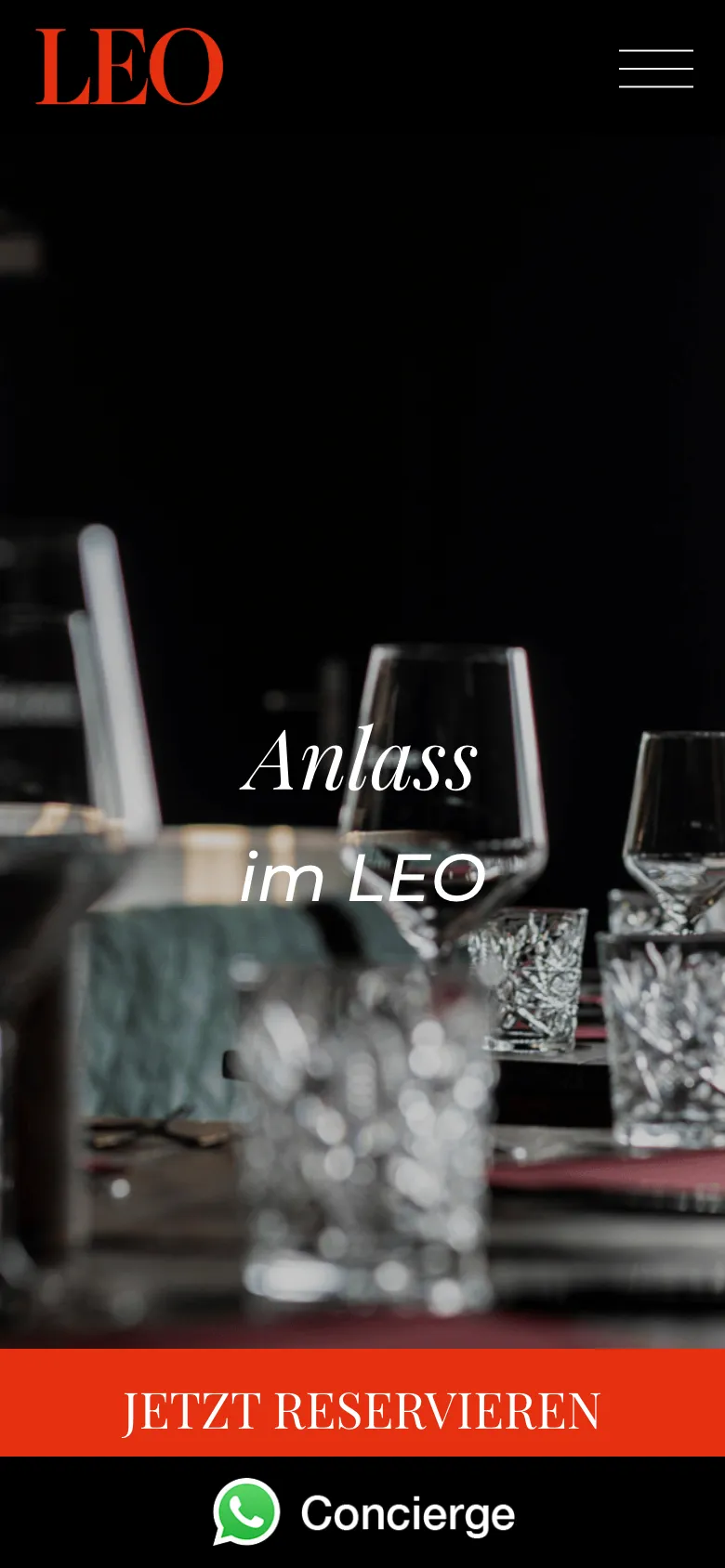
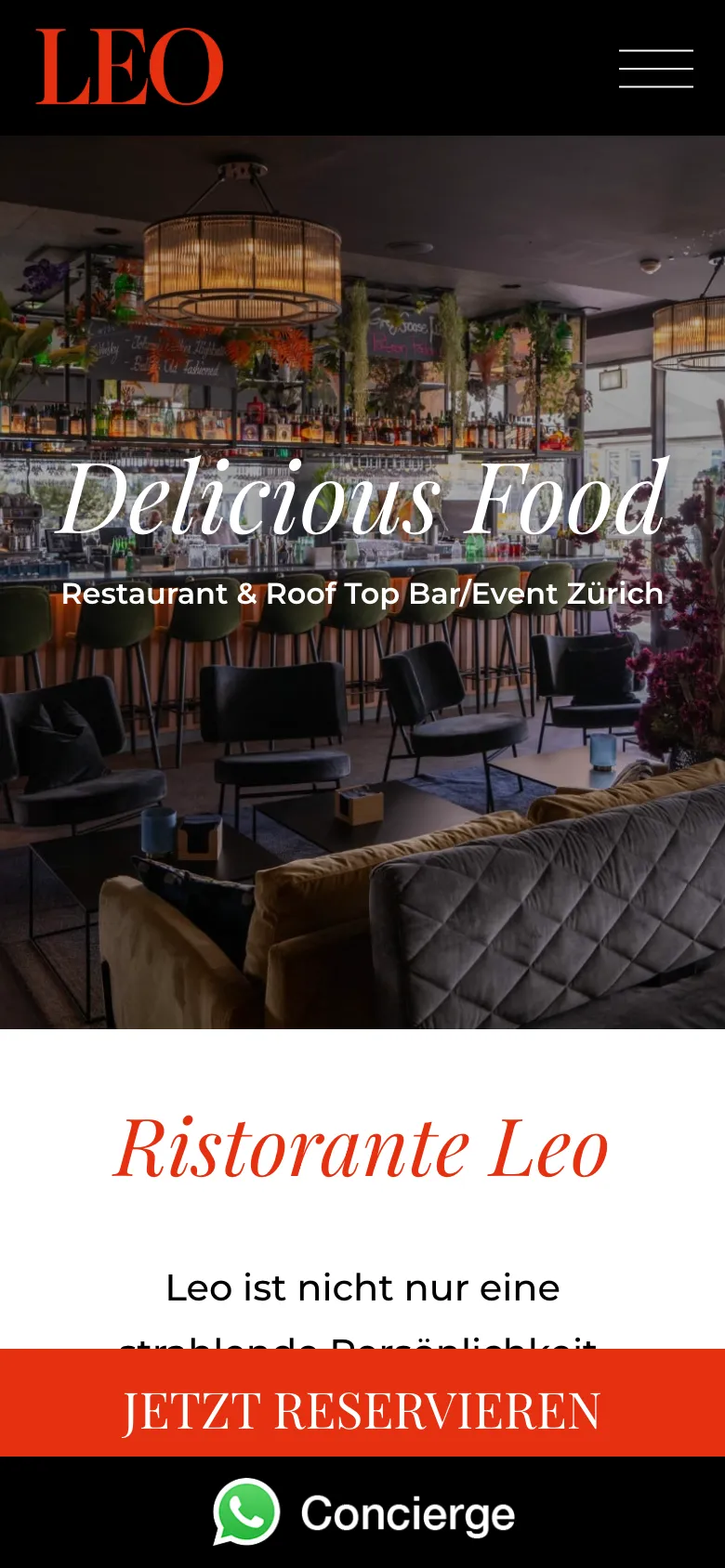
  • Leo Ristorante Zurich – Homepage on mobile with booking and WhatsApp
    Homepage on mobile with booking and WhatsApp
  • Leo Ristorante Zurich – Menu page on mobile with fixed booking bar and WhatsApp
    Menu page on mobile with fixed booking bar and WhatsApp
  • Leo Ristorante Zurich – The four menus as buttons on mobile
    The four menus as buttons on mobile
  • Leo Ristorante Zurich – Events page on mobile
    Events page on mobile

Swipe sideways for more views.

Screens

What it looks like

  • Homepage with a view of the dining room and «Book now»
  • Menu page with the menus as PDF
  • Page for corporate and private events

FAQ

Frequently asked questions

Does a restaurant need its own booking system?

Not necessarily. LEO works with foratable; the website's «Book now» button leads there from every page. Integrating an existing tool is often the fastest route. Restaurants that want to manage bookings, guests and capacity themselves need their own solution.

How do event enquiries arrive complete?

Through a dedicated form asking for type of event, budget, date, guests, time frame and options such as apéro or flying dinner. The restaurant has everything it needs for an offer without having to follow up.

How does the menu on the website stay up to date?

The menus are PDFs on the menu page and can be replaced individually in WordPress without rebuilding the page.

Work

Similar projects

Your project

A project like this for your business?

Websites from CHF 3,000 to CHF 25,000, web apps from CHF 10,000. We deliver a website within 2 weeks once all materials are in.