What Is GSAP and Why Is It Special?
GreenSock Animation Platform (GSAP) is the de facto standard library for high-quality web animations. It is more performant than CSS animations, more flexible than the Web Animations API, and has the largest feature set of all available options. Over 11 million websites worldwide use GSAP, and it is prominently featured on all major award websites like Awwwards and CSS Design Awards.
For Swiss companies striving for a premium web presence, GSAP is often the right choice – but not always. In this article, we analyze specifically when its use is worthwhile, what it costs, and what alternatives exist.
What Makes GSAP Special: The Technical Advantages
Performance at the Highest Level
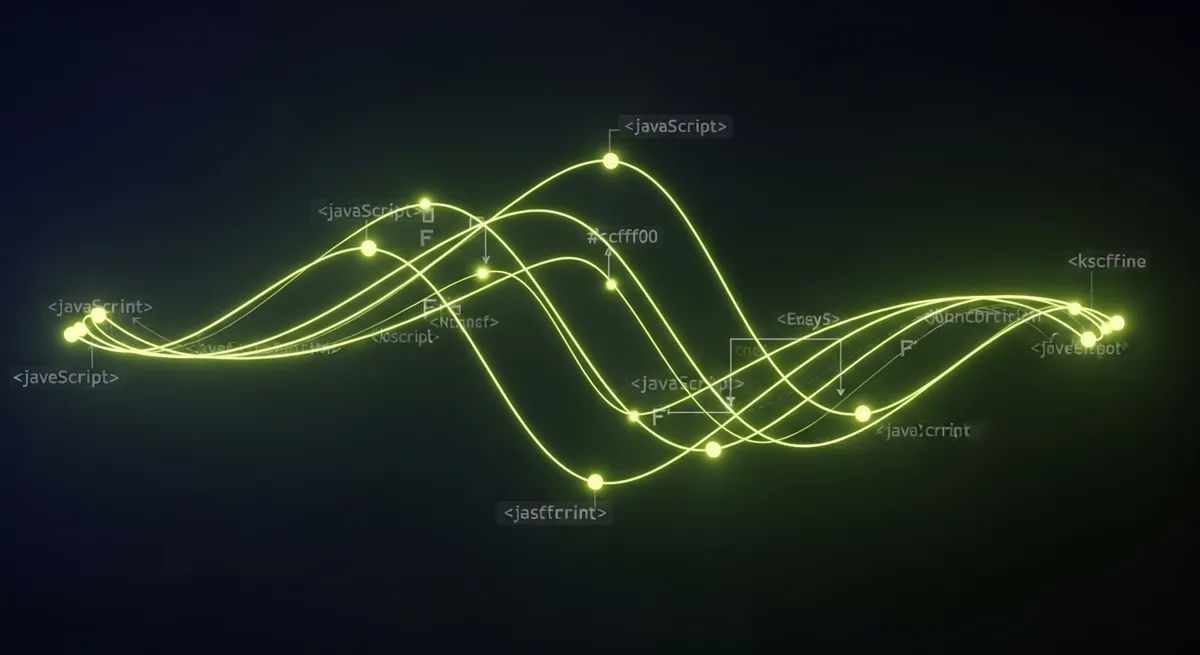
GSAP is optimized for 60fps animations and uses GPU-accelerated CSS properties (transform and opacity). The library has sophisticated mechanisms to keep animations smooth even on weaker devices and older browsers. Unlike CSS animations, GSAP offers precise control over timing, easing, and sequencing – crucial for complex animation sequences.
ScrollTrigger: Scroll-Based Animations
GSAP's ScrollTrigger plugin is unmatched for scroll-based animations. It enables precise scrub-animation of elements along the scroll progress, pin effects (elements stay fixed while the user scrolls), timeline animations coupled to scroll progress, and performant parallax effects. The DLM Digital website itself uses ScrollTrigger extensively – every section animates on scroll, texts appear progressively, and backgrounds move in parallax layers.
Ecosystem and Plugins
GSAP comes with an extensive plugin ecosystem: ScrollSmoother for smooth, GPU-accelerated scrolling, SplitText for character-by-character text animations, MorphSVG and DrawSVG for SVG animations, Flip for layout animations, and MotionPath for movement along SVG paths. In our experience, ScrollTrigger and SplitText are the most commonly used plugins for Swiss corporate websites.
When Is GSAP Worth It? A Concrete Decision Guide
Worth It: Premium Brand Presence
If your brand needs to communicate high quality, innovation, and design leadership, GSAP animations are a strong signal. For architecture firms, luxury goods, tech companies, and creative agencies, an elaborate website is often part of the brand presentation itself. In Switzerland, where aesthetic standards are high, an animated web presence can make the difference between "professional" and "impressive."
Worth It: Landing Pages with High Conversion Goals
Well-used animations can increase dwell time by 20–40% and strengthen the emotional connection to the brand. For a high-stakes landing page selling a product or service starting at CHF 10,000, investing in GSAP animations can measurably improve the conversion rateDie Conversion Rate misst, wie viel Prozent Ihrer Website-Besucher eine gewünschte Aktion ausführen — z.B. ein Formular ausfüllen, ein Produkt kaufen oder…Mehr erfahren →. The key: animations must support the message, not distract from it.
Worth It: Storytelling and Product Presentations
Scroll-based storytelling websites – like Apple uses for their product pages – are most elegantly achievable with GSAP ScrollTrigger. If your website needs to tell a story (company history, product development, project progress), GSAP is the ideal tool.
Not Worth It: Content-Heavy Websites
Blogs, news portals, documentation pages, and information-intensive platforms hardly benefit from elaborate animations. Here, they often hinder usage rather than adding value. The priority should be on reading comfort, fast loading times, and clear information architecture.
Not Worth It: Small Budgets Under CHF 15,000
Good GSAP animations require significant development effort. Expect 20–40 hours of additional development time for a fully animated website. At an hourly rate of CHF 120–150, that's CHF 2,400–6,000 in additional costs. If the budget is tight, invest better in performance, SEOSEO (Search Engine Optimization) ist die Gesamtheit aller Massnahmen, um eine Website in den organischen (unbezahlten) Suchergebnissen von Google & Co. besser…Mehr erfahren →, and content.
Performance Considerations and Best Practices
GSAP itself is very performant (the library is only ~25 KB gzipped), but poorly implemented animations can negatively affect Core Web VitalsCore Web Vitals sind Googles drei offizielle Metriken für Nutzerfreundlichkeit: LCP (Ladezeit des Hauptinhalts), INP (Reaktionszeit auf Eingaben) und CLS…Mehr erfahren →. Our best practices from over 30 animated web projects:
Only animate GPU-friendly properties: transform (translate, scale, rotate) and opacity. Never animate width, height, top, left, margin, or padding – this triggers layout recalculations and kills performance.
Respect prefers-reduced-motion: Users who have activated reduced animations in their system settings should see a simplified or animation-free version of your website.
Lazy-load animations: Only initialize animations when the section becomes visible (ScrollTrigger does this automatically). This way, not all animations burden the initial load time.
Reduce on mobile: Use fewer and simpler animations on mobile devices. Complex parallax effects that look impressive on desktop can stutter on mobile and degrade the UX.
The Alternatives: CSS, Framer Motion, and Lottie
CSS Transitions/Animations: Often sufficient for simple hover effects, fade-ins, and slide-ins. No JavaScript needed, best performance. Limited for complex sequences and scroll coupling.
Framer Motion: The best GSAP alternative for React projects. Elegant API, good performance, strong community. Less powerful than GSAP for complex scroll animations, but easier to implement for standard cases.
Lottie: Ideal for illustrative animations (icons, loaders, infographics). Exports After Effects animations as JSON and renders them performantly in the browser. Not suitable for UI animations or scroll effects.
GSAP and SEO: Impact on Rankings
A common question: Do GSAP animations affect SEO performance? The short answer: Yes, but it depends on the implementation. Google can render JavaScript and understand animated content, but the rendering process takes longer than with static HTML. Important SEO aspects for GSAP websites: Ensure that all important content (text, links, images) is present in the initial HTML and not generated only through JavaScript. Animations should make content visible, not replace it – text that only appears after an animation may not be captured by Google in the initial crawl. Avoid using CSS visibility:hidden or display:none for SEO-relevant content as the starting state. Instead, use opacity:0 and transform, which Google correctly interprets as "visible." Core Web Vitals are crucial: GSAP animations that delay LCPLCP ist einer der drei Core Web Vitals und misst, wie lange es dauert, bis das grösste sichtbare Element (Bild, Text-Block, Video) einer Seite geladen ist.…Mehr erfahren → or cause CLSCLS ist eine der drei Core Web Vitals von Google und misst die visuelle Stabilität einer Seite. Er quantifiziert, wie stark sich Elemente beim Laden…Mehr erfahren → directly negatively impact rankings.
GSAP in Practice: Cost Comparison and Timeline
What does a GSAP-implemented website cost compared to standard animations? Based on our projects for Swiss clients: A website with CSS transitions (hover effects, simple fade-ins): Animation effort approx. 5–10% of the total budget (CHF 2,000–4,000 for a CHF 30,000 website). The same website with GSAP scroll animations, parallax, and timeline sequences: Animation effort 15–25% (CHF 5,000–8,000 for the same project). Premium websites with complex GSAP scenes (comparable to Awwwards-nominated sites): 25–40% of the budget goes into animation design and development. Development time for GSAP projects is typically 30–50% longer than for comparable projects without complex animations. In return, you get a website that clearly stands out from the competition – a relevant advantage in the Swiss market, where many SME websites are visually interchangeable.
GSAP ScrollTrigger: The Game-Changer for Scroll Websites
ScrollTrigger is the most powerful plugin in the GSAP ecosystem and the main reason many agencies prefer GSAP over alternatives. ScrollTrigger enables: coupling animations to scroll position (not just "trigger on appearance" but "synchronize with scrolling"), sticky sections that stay in place during scrolling while playing internal animations, horizontal scrolling within vertical websites, and complex parallax effects with different speeds for different elements. For agencies like DLM Digital, ScrollTrigger is the tool of choice for storytelling websites. A typical use scenario: A Swiss architecture firm presenting its projects as a scroll-based image gallery with text overlays and zoom effects – an experience that clearly differs from a classic gallery page and strengthens the brand perception as an innovative, design-oriented firm.
GSAP and Accessibility: Designing Animations Inclusively
An often overlooked aspect: Animations can be problematic for some users. People with vestibular disorders, epilepsy, or attention deficits can experience negative effects from excessive or rapid animations. GSAP offers an elegant solution here: With the CSS media query prefers-reduced-motion and GSAP Matchmedia, you can automatically provide reduced animations or static fallbacks for affected users. Best practices: Avoid large-scale parallax effects as the only display option, offer a "reduce animations" toggle in the navigation, and ensure that all content is fully accessible and understandable even without animation.
When GSAP Is the Right Choice
GSAP is an excellent tool for the right use cases. Choose GSAP when brand positioning and user experience justify a premium presence, the budget allows for additional development time, and the website serves as a sales tool or brand ambassador. Take a look at our portfolio for concrete examples. In other cases, CSS transitions, Framer Motion, or Lottie are often perfectly sufficient – and save budget that you can invest in content and SEO.