Why Website Relaunches Go Wrong
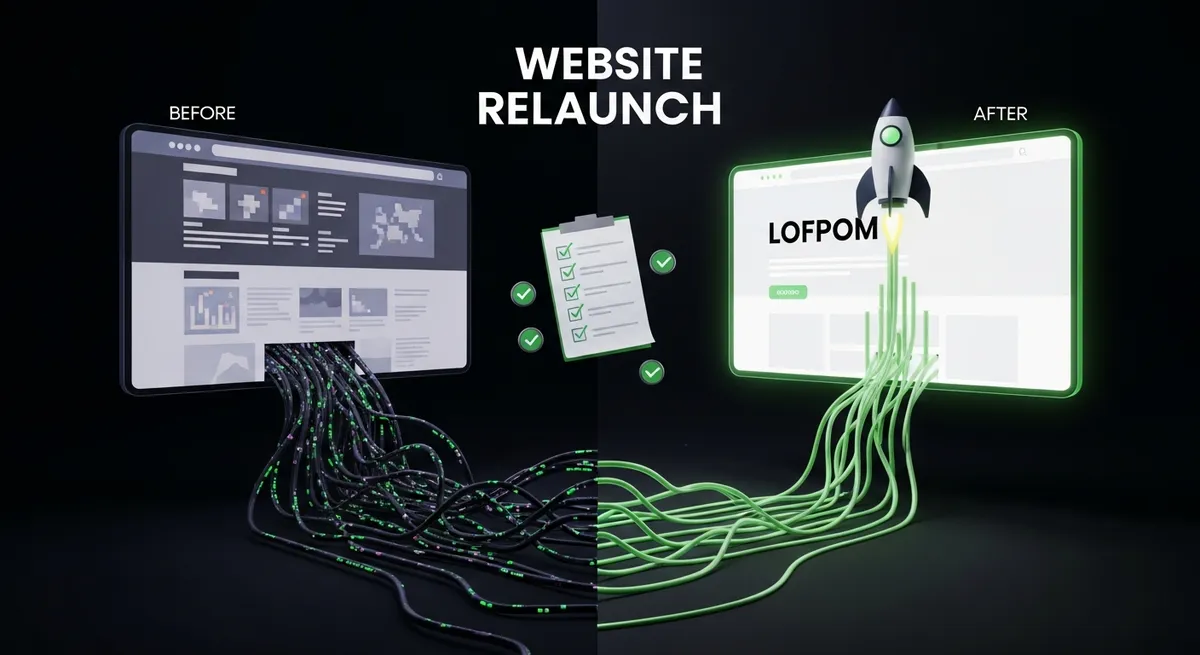
A website relaunch is one of the riskiest moments in digital marketing. Without careful planning, organic rankings can collapse overnight — and it takes months to recover them. The most common mistakes: changing URL structures without redirects, not checking indexation of new pages, losing or shortening content, and forgetting technical SEOSEO (Search Engine Optimization) ist die Gesamtheit aller Massnahmen, um eine Website in den organischen (unbezahlten) Suchergebnissen von Google & Co. besser…Mehr erfahren → fundamentals.
At DLM Digital, we accompany website relaunches with a structured checklist that ensures no traffic is lost — ideally, it increases immediately after the relaunch.
Before the Relaunch: Preparation
1. Document current rankings: Export all rankings from Google Search Console — clicks, impressions, average positions. This is your benchmark.
2. Create URL mapping: Every old URL must be mapped to a new URL. No old URL should lead to a dead end (404). Create a complete redirect table.
3. Content audit: Which content performs well? That must not be lost. Which content is outdated? That can be consolidated or updated.
4. Backlink analysis: Which pages do external websites link to? These URLs must be correctly redirected — otherwise you lose your link authority.
5. Lighthouse score of the old website: The new score must be better — not worse. Set target values: 90+ in all categories.
During the Relaunch: Implementation
6. Implement 301 redirects: Redirect every old URL with a 301 redirect to the correct new URL. No 302 redirects (temporary), no redirect chains (A→B→C). Direct 301 redirects: A→C.
7. Check technical SEO: Robots.txtDie robots.txt ist eine Textdatei im Web-Root, die Suchmaschinen-Crawlern mitteilt, welche Bereiche einer Website sie aufrufen dürfen und welche nicht. Sie…Mehr erfahren → correct? No accidental noindex tags? XML sitemap updated? Canonical tags correct? HTTPS on all pages? Mobile-friendly? Core Web Vitals optimised?
8. Transfer structured data: All schema markups (LocalBusiness, Article, FAQ, Breadcrumb) must be correctly implemented on the new website.
9. Check internal linkingInternal Linking bezeichnet die Verlinkung von Seiten innerhalb derselben Website. Interne Links führen Nutzer durch die Website, verteilen Ranking-Signale auf…Mehr erfahren →: No broken links? All internal links point to the new URLs (not to old URLs that then get redirected)?
10. Update Google Business ProfileGoogle Business Profile (früher: Google My Business) ist das kostenlose Google-Tool zur Verwaltung Ihres lokalen Unternehmensauftritts. Es steuert, was in…Mehr erfahren →: If the website URL changes, the Google Business Profile must be updated immediately.
After the Relaunch: Monitoring
11. Google Search ConsoleDie Google Search Console (GSC) ist ein kostenloses Tool von Google, das Website-Betreibern zeigt, wie ihre Seiten in der Google-Suche abschneiden — inklusive…Mehr erfahren →: Submit new sitemap. URL inspection for the most important pages. Monitor indexation status. Check Core Web VitalsCore Web Vitals sind Googles drei offizielle Metriken für Nutzerfreundlichkeit: LCP (Ladezeit des Hauptinhalts), INP (Reaktionszeit auf Eingaben) und CLS…Mehr erfahren →.
12. 404 monitoring: Check for 404 errors daily during the first 4 weeks. Fix every discovered 404 immediately with a 301 redirect.
13. Monitor rankings: Compare rankings weekly with the benchmark. A slight decline in the first week is normal — it should recover within 2–4 weeks.
14. Analyse traffic: Monitor organic trafficOrganic Traffic beschreibt Besucher, die über unbezahlte Suchergebnisse auf Ihre Website kommen — also über Google, Bing oder andere Suchmaschinen, ohne dass…Mehr erfahren → in GA4. Compare with the same period last year. With a well-executed relaunch, traffic should be at or above the old level after 4–6 weeks.
A website relaunch doesn't have to be a disaster. With careful planning and our checklist, it becomes a springboard for better performance and more traffic. DLM Digital accompanies your relaunch — from planning to post-launch optimisation.